

We never train on your data, and any agents you build on the platform remain entirely your intellectual property.
How It Works
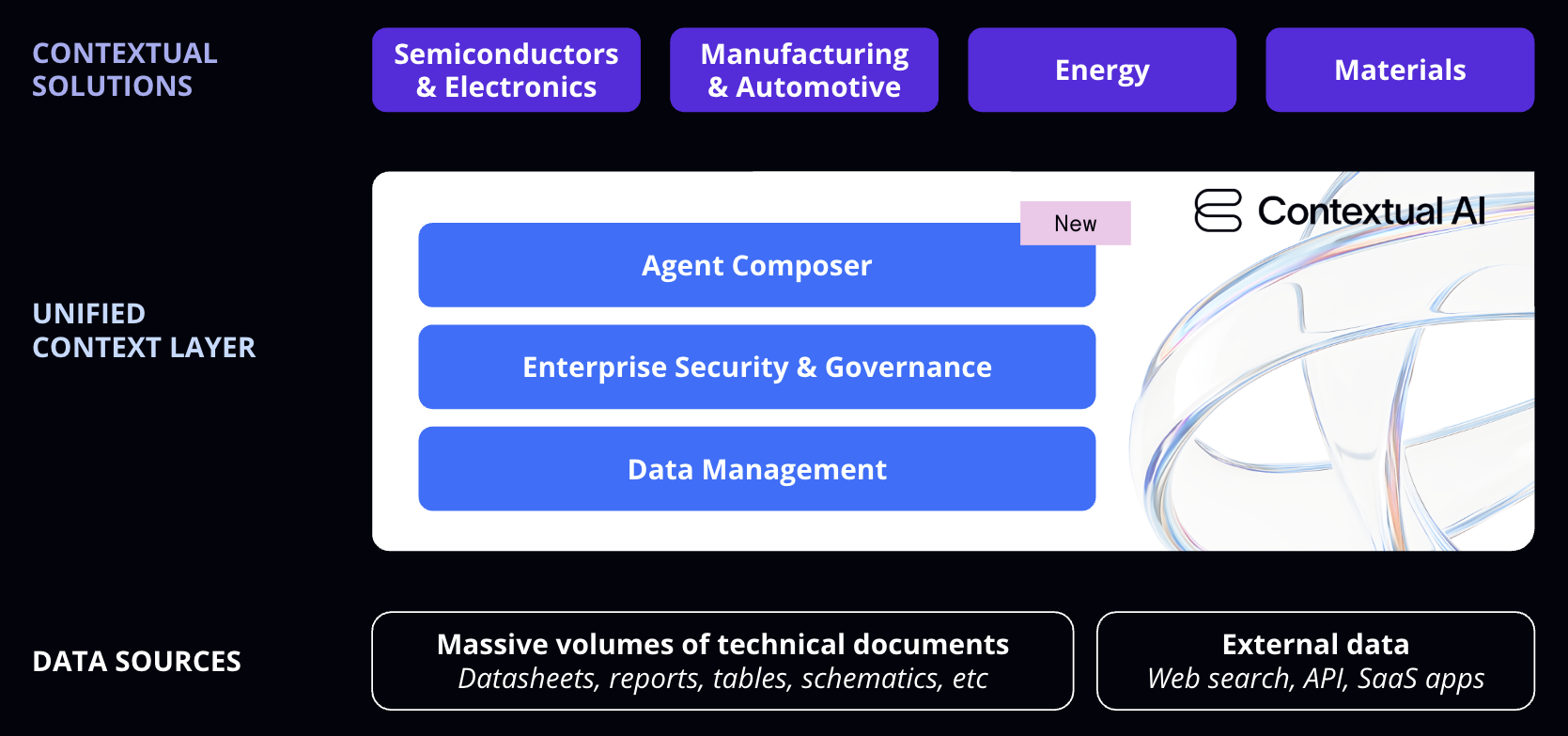
Getting started takes just three steps:- Build an agent — Start with Basic Search or Agentic Search templates (self-serve), or use Agent Composer’s visual builder to create custom workflows (enterprise).
- Connect your documents — Connect via connectors, or upload PDFs, specs, manuals, logs. Our parsing handles tables, figures, and complex layouts.
- Query and iterate — Ask questions, get grounded answers with citations, and refine your agent as needed.
Sign Up and Log In
Once you’ve signed up, log in to the platform to create your first datastore and agent.What’s Available
- Self-Serve
- Enterprise
All self-serve accounts include:
- Basic Search template — Single-turn Q&A with document retrieval and citations
- Agentic Search template — Multi-step reasoning with iterative retrieval
- Document upload, datastore management, and connectors
- API access via Python SDK
- Usage-based pricing with free credits to start
Next Steps
Platform Quickstart (GUI)
Create your first agent and datastore in the platform
Platform Quickstart (API)
Create agents programmatically via the Python SDK
Learn More
- Why Contextual AI — What makes Contextual AI different and when to use it
- Agent Composer — Build custom agent workflows (enterprise) or use templates (self-serve)
- Datasources & Connectors — Connect your enterprise data sources
- How-to Guides — Deep dives on specific capabilities